
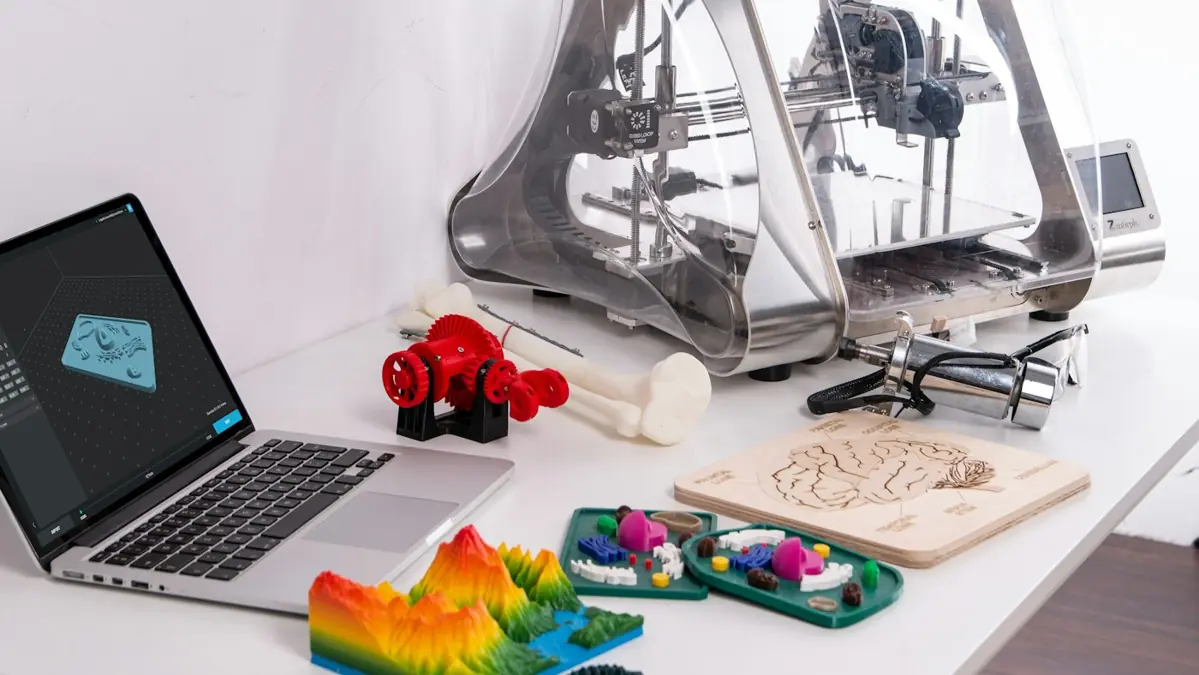
Why "grams times price per kilo" isn't enough
Everyone starts the same way. Weigh the part, multiply by the price of the filament, double it and list it. The math works on paper and doesn't work on the bank statement.
The reason is simple. The printer uses energy and wears out. Some prints fail. Someone removes supports, checks and packs. And the marketplace keeps a slice of the price before the money reaches you. A 3D printing cost calculator puts all of that on the same screen.
The STL Prime calculator is free and already live. This guide shows how to use it.
What the calculator adds up
There are six cost items. Each has a short formula you can check by hand.
| Item | How it's calculated | Starting value |
|---|---|---|
| Material | (grams ÷ 1000) × price per kg | you enter it |
| Energy | (power in W ÷ 1000) × hours × rate | $0.20 per kWh |
| Machine-hour | hours × hourly value | $0.30 per hour |
| Failure | % of material + energy + machine | 10% |
| Finishing | (minutes ÷ 60) × your hourly rate | you enter it |
| Packaging | amount per part | you enter it |
Notice one detail. The failure allowance applies only to what the machine spent. If the part comes out warped, you lost filament, energy and printer time. Finishing and packaging hadn't happened yet.
With the total cost in hand, the calculator applies your markup to suggest a price. Then it shows what's left on each channel, with the fees already taken out, and the break-even price of each one.
Step by step, field by field
The calculator is split into four blocks: 1 The part, 2 The machine, 3 Your work and 4 The listing. A currency switch lets you work in US$ or €: the math is the same, just enter every amount in the currency you chose.
1. Get weight and time from the slicer
Slice the part with the profile you really use: same layer height, same infill, same supports. Write down the grams and the hours. They are slicer estimates, but they're the best basis there is before printing. They go into Part weight (g) and Print time (h).
2. Enter the material
Pick the Material and type the Material price (/kg) you paid, shipping included. If the slicer already includes supports and the purge tower in the weight, great. If it doesn't, add them.
3. Energy and machine-hour
The Average power (W) that matters is the average during the print, not the power supply's peak. As a reference: Bambu Lab A1 about 100 W, P1S or X1C about 130 W, Ender 3 about 120 W, Creality K1 about 200 W, a resin LCD printer about 60 W. The Energy rate (/kWh) is on your electricity bill, with taxes: about $0.17 is typical in the US, and in Europe it's often €0.25 to €0.35. The Machine-hour (/h) is what each printed hour must pay back to cover the printer, nozzles, build plate and maintenance. The starting value is $0.30. If your machine is more expensive or runs little, raise it.
4. Failure rate
Start with 10% in Failure (%) and correct it with your history. Tall, thin parts or parts with lots of supports tend to fail more than low, wide ones.
5. Finishing and packaging
Time it once: take it off the plate, remove supports, check, pack. That goes into Finishing (min), and Your hourly rate (/h) turns it into money. Packaging covers the box, bubble wrap, tape and label.
6. Price and channels
Set your Markup (%) to see a suggested price, or type the Listing price you have in mind. If you offer free shipping, put the label cost in Shipping (when you pay it). Then just look at each channel's line: own store (Stripe), Etsy, eBay and Amazon Handmade. When you're done, Copy the link to this calculation saves every number in the address, so you can come back later or send it to a partner.
Worked example: articulated capybara
Let's use the one-color articulated capybara. In Bambu Studio, for a Bambu Lab A1 with a 0.4 mm nozzle and the stock profile, the estimate is 4h14 and 98 g of PLA. That's a slicer number, not a bench measurement.
Assumptions for this example
These are hypotheses for the example. Swap them for your own numbers.
- PLA at $20 per kilogram (≈ €20)
- average power of 100 W during the print (Bambu Lab A1)
- energy rate of $0.20 per kWh, machine-hour of $0.30 and 10% failures
- 5 minutes of finishing, with your time worth $20 an hour
- $0.50 of packaging
4h14 is 4.23 hours. Now, item by item:
| Item | Math | Amount |
|---|---|---|
| Material | 0.098 kg × $20 | $1.96 |
| Energy | 0.10 kW × 4.23 h × $0.20 | $0.08 |
| Machine-hour | 4.23 h × $0.30 | $1.27 |
| Machine subtotal | 1.96 + 0.08 + 1.27 | $3.31 |
| Failure | 10% of $3.31 | $0.33 |
| Finishing | (5 ÷ 60) × $20 | $1.67 |
| Packaging | amount entered | $0.50 |
| Total cost | 3.31 + 0.33 + 1.67 + 0.50 | $5.81 |
The filament, which seemed to be "the cost", accounts for $1.96 of $5.81. About a third. Your five minutes of finishing ($1.67) cost almost as much as the plastic, and the machine-hour adds $1.27 on its own. That's why a light, slow part fools so many people.
With a 150% markup, the suggested price is the cost × 2.5: about $14.53. Let's round the listing to $14.99.
What's left on each channel
The fees below are US reference values for October 2026. What's left is the price, minus the fees, minus the $5.81 cost, rounded to the cent.
| Channel | Reference fee | Fees at $14.99 | What's left |
|---|---|---|---|
| Own store (Stripe or Shopify Payments) | 2.9% + $0.30 | $0.73 | $8.45 |
| Etsy | 6.5% + 3% + $0.25, plus $0.20 listing | $1.87 | $7.31 |
| Amazon Handmade | 15% ($1.00 minimum) | $2.25 | $6.93 |
| eBay | ≈ 13.6% + $0.40 per order | $2.44 | $6.74 |
That's with the buyer paying shipping. If you offer free shipping, the label comes out of every line: with a $5.00 label, what's left on Etsy drops to $2.31. Keep in mind too that Etsy, eBay and Amazon charge their percentage on the shipping the buyer pays, that eBay's fee varies by category and by store subscription, and that Etsy adds the Offsite Ads fee when a sale comes from its ads on other sites.
These fees are a starting point. Etsy, eBay and Amazon change their rules, and the numbers differ from country to country. Always check each platform's seller dashboard before setting the price.
From the same listing, the gap between the best and the worst channel is $1.71 per part, or $171 on a hundred sales a month. And what's left still isn't clean profit: taxes, paid ads and returns come out of it.
The price that looks like profit and is a loss
Now the other side. Take a 120 g PLA part that prints in 4 hours on the same A1: with the same assumptions, it costs $6.21. List it at $12.00 with free shipping and pay a $5.00 label. By eye, that's almost double the cost. In the math:
- own store: $0.14 left
- Etsy: −$0.80
- Amazon Handmade: −$1.01
- eBay: −$1.24
The villain is the cost per order. On a cheap listing, a $5 label eats a huge slice of the price. In these cases the ways out are to raise the price, charge for shipping, build a kit or sell the part on another channel. We cover this in the article on how to price a 3D printed part.
Common mistakes when filling it in
- Using the model's weight without supports. What comes off the spool is what costs money.
- Setting the machine-hour to zero. This printer is paid for, but the next one isn't.
- Setting finishing to zero. Five minutes per part turn into hours by the end of the month.
- Forgetting packaging. Boxes and bubble wrap cost money, and a broken part costs more.
- Copying a competitor's price. You don't know whether they did the math.
- Looking at just one channel. The same price can make a profit on your store and a loss on a marketplace.
Frequently asked questions
What goes into the cost of a 3D printed part?
Material, energy, machine-hour, an allowance for failures, the finishing labor and the packaging. The calculator adds up the six and then takes out the fees of each channel.
How do I calculate the energy used?
Average power in watts divided by 1000, times the print hours, times the rate per kWh. The starting value is $0.20. Replace it with the rate on your bill.
What is the machine-hour?
It's what each printed hour needs to pay back to cover the printer, the wear parts and maintenance. The starting value is $0.30 per hour.
Does a 150% markup guarantee a profit on a marketplace?
No. The markup sets the price over the cost, but the commission and the fixed fees come out of that price, and so does the label when shipping is on you. That's why it's worth looking at what's left per channel, not just at the markup.
One last note. With STL Prime models, the free ones included, the printed part can be sold with no unit limit. It's the file that can't be passed on. The details are in the file license.
Run the numbers for your part now
The calculator is free. And when you create an account you get 10 free STL files, already unlocked. The full catalog opens on November 20, 2026.