
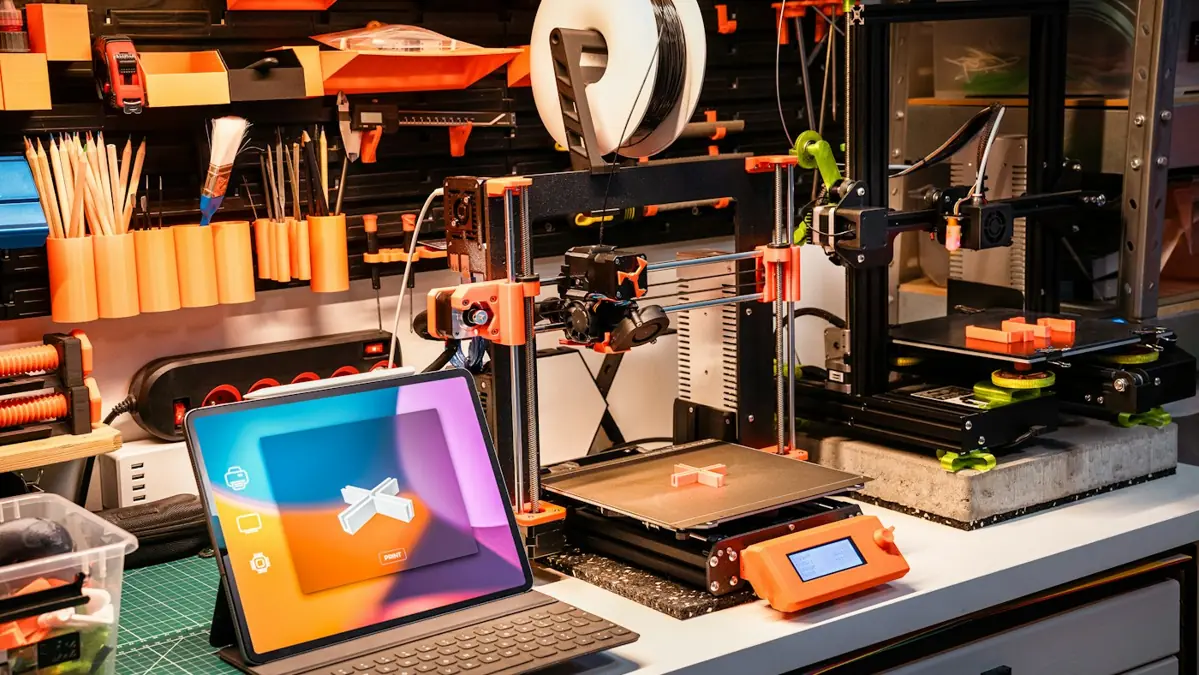
Search for apps for 3D printing and you get an endless list. Most of them solve the printing part. Almost no list talks about the tools for selling 3D prints, which is where makers usually lose time and money. This guide covers both ends.
One warning first. We only mention well-known tools and say what each one is for. Plans, limits and prices change all the time, and some services are available only in certain countries. Check the current plan on each tool's website before you decide.
The map: one tool per stage
| Stage | What to solve | Tools |
|---|---|---|
| Slice | Weight, time and the print file | Bambu Studio, OrcaSlicer, PrusaSlicer, Cura |
| Model | Create, customize and fix parts | Fusion, Onshape, Tinkercad, FreeCAD, Blender |
| Monitor | See the print remotely and stop failures | Bambu Handy, OctoPrint, OctoEverywhere, Obico |
| Photograph and list | Clean photos, graphics and short video | Phone camera, Canva, remove.bg, CapCut |
| Price | Real cost and what's left per channel | STL Prime calculator |
| Manage | Orders, stock, payments and shipping | Google Sheets, seller apps, Shopify, Stripe, Pirate Ship, ShipStation |
Slicers
The slicer turns the STL or 3MF into instructions for the printer. For people who sell, it has a second job: it's where the estimated weight and time come from, the basis of any cost calculation.
- Bambu Studio: Bambu Lab's slicer, with the stock profiles for the brand's printers.
- OrcaSlicer: an open-source project with profiles for printers from many brands and built-in calibration tools.
- PrusaSlicer: Prusa's slicer, also open source and used with machines from other brands.
- Cura: UltiMaker's slicer, one of the oldest, with profiles for many printers.
There's no best one. There's the one with a good profile for your machine that you know well. Switching slicers every week costs more than any quality gain.
A seller's tip
Save one "production" profile per material and don't touch it without a reason. When the same product always comes out of the same profile, weight and time repeat, and so does your cost.
Modeling and adjusting files
You don't need to model to sell. But knowing the basics solves common requests: adding a name, changing a dimension, closing a hole.
- Tinkercad: runs in the browser and is the shortest path to simple customizations, like text and cutouts.
- Fusion: Autodesk's parametric CAD, good for technical parts with exact dimensions.
- Onshape: parametric CAD that runs entirely in the browser.
- FreeCAD: free, open-source parametric CAD.
- Blender: organic modeling and sculpting, for figures and decorative parts.
Fusion and Onshape have specific conditions for commercial use. Read the plan's terms before using them on a product you sell.
The same care applies to files. Many free models on the internet forbid selling the printed part. With STL Prime, on every plan and on the free models, the part can be sold with no unit limit. It's the file that can't be passed on. See the file license.
Watching the print remotely
A print that fails at two in the morning and keeps going until dawn is filament, energy and machine time in the trash. Monitoring remotely cuts that waste.
- Bambu Handy: Bambu Lab's phone app to watch and control the brand's printers.
- OctoPrint: open-source server, usually installed on a Raspberry Pi, that gives a web interface and a camera to printers that don't have them out of the box.
- OctoEverywhere: remote access service for OctoPrint and similar systems, without opening ports on your router.
- Obico: remote access with camera-based failure detection, to alert you or pause when the part comes off the plate.
Write down your failures, even in a notebook. That history gives you your real failure rate, instead of the generic 10% everyone uses to start.
Photos, video and listings
On a marketplace, the buyer can't pick the part up. The photo does that job. And it doesn't need a studio.
- Phone camera + diffused light: a window with a curtain or a lamp behind tracing paper. A light, plain background. Clean the lens.
- remove.bg: removes the photo's background when yours didn't come out clean enough.
- Canva: to build images with dimensions, color options and what comes in the kit.
- CapCut: short-video editing on your phone. Articulated parts and snap-fit parts sell better in motion, on TikTok, in short-video feeds and in Etsy's listing videos.
Always include a photo with scale: the part in a hand or next to a familiar object. And show the part as it is. Layer lines hidden in a photo turn into a return.
Price: the math before the listing
This is the stage most people skip. The STL Prime calculator is free and already live. It adds up material, energy, machine-hour, failures, finishing and packaging. Then it shows what's left on your own store (Stripe), Etsy, eBay and Amazon Handmade, in US$ or €.
Why this matters
Take a 120 g PLA part that costs $6.21 and list it at $12.00 with free shipping, paying a $5.00 label. It looks like a profit. In the math, $0.14 is left on your own store and every marketplace loses money: −$0.80 on Etsy, −$1.01 on Amazon Handmade and −$1.24 on eBay.
The calculator's fees are US reference values from October 2026, and the platforms change their rules from time to time. Use them as a starting point and check each one's seller dashboard.
The full step by step is in how to use the 3D printing cost calculator.
Managing orders and stock
Start with a spreadsheet
With a few orders a week, a spreadsheet does the job, in Google Sheets or Excel. Three tabs are enough: products (with weight, time and cost), filament and finished-part stock, and orders. What matters is updating it every day.
Seller apps
Etsy, eBay and Amazon have their own apps for sellers. Use them to answer messages, follow orders and buy and print shipping labels from your phone. Turn on notifications: a quick reply weighs on the buying decision.
Your own store, payments and shipping
If you want a store of your own, Shopify sets one up with payments built in, and Stripe takes card payments on a simpler site (the US reference is 2.9% + $0.30 per card payment). For labels, Pirate Ship buys discounted USPS and UPS labels in the US with no monthly fee, and ShipStation pulls orders from several channels and prints labels in batches. In Europe, comparison services such as Packlink play that role.
Multichannel tools
When you sell on more than one channel, the problem becomes stock. The same part is listed in three places and only one exists on the shelf. Multichannel tools, from Shopify's own marketplace integrations to dedicated inventory apps, centralize orders from several platforms and sync stock, and accounting software such as QuickBooks or Xero takes care of invoices and bookkeeping. They're worth it when the spreadsheet starts producing sales without stock and cancellations. Before that, they're a fixed cost with no return.
The minimum kit to get started
If you're just starting, you don't need all of this. The essentials fit in five items:
- A slicer with a stable profile for your printer.
- Some way to watch the print remotely.
- A phone, a window and a light background for photos.
- The calculator, to know the minimum price on each channel.
- A spreadsheet for orders and stock.
The rest comes in when the problem the tool solves shows up. A tool installed before the problem only eats time.
Want to go further? The free e-book goes deeper into selling, and the article on how to price a 3D printed part walks through the fee math step by step.
Missing the right file to sell?
When you create an STL Prime account you get 10 free STL files, all with a license to sell the printed part. The full catalog opens on November 20, 2026.